PROJECT CASE STUDY
Sales Person Tracking
A mobile-based Sales Person Tracking application designed to simplify daily sales activities, manage customer visits, organize route plans and monitor travel expenses through a centralized platform.
PROJECT OVERVIEW
Project Overview
THE CHALLENGE
Managing field sales activities requires proper coordination of daily journeys, customer visits, route schedules and travel expenses. Without a centralized mobile solution, sales representatives may find it difficult to organize customer visits, review planned routes and maintain visibility into their daily activities.
The sales team needed a mobile application to organize daily field activities and manage customer visit schedules efficiently.
The key challenges included:
- Starting and managing daily sales activities through a clear workflow.
- Searching and selecting customers while preparing daily visit plans.
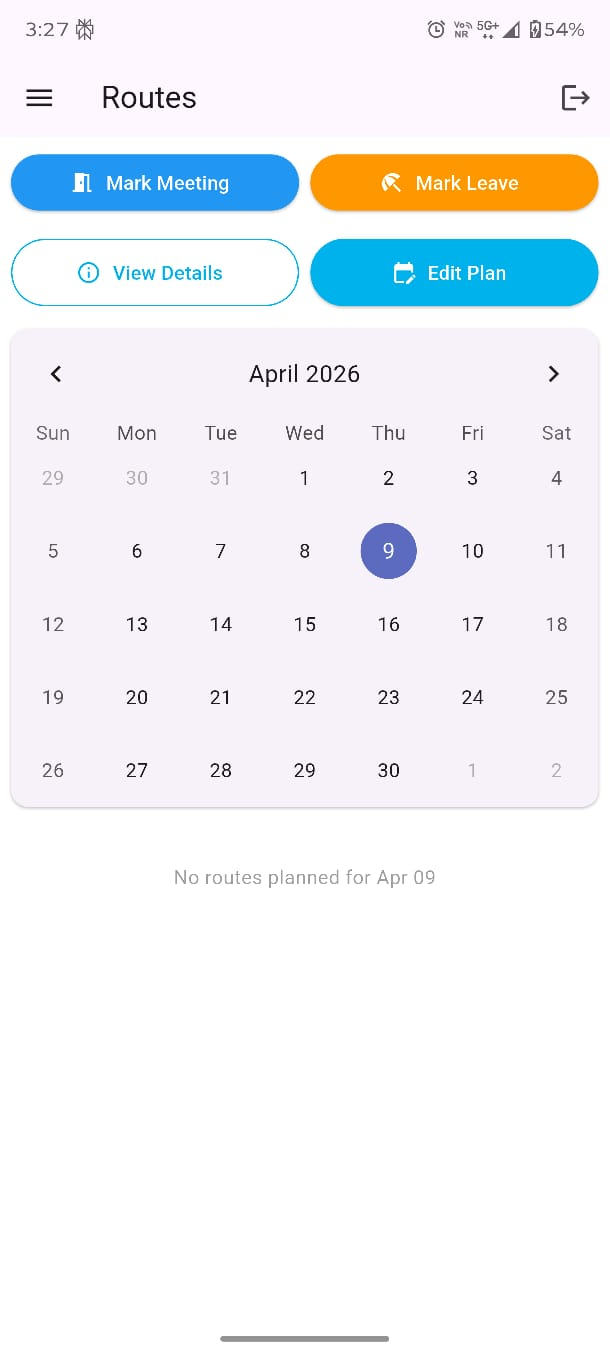
- Reviewing planned routes through a calendar-based interface.
- Managing meeting and leave activities.
- Accessing customer and location details while planning visits.
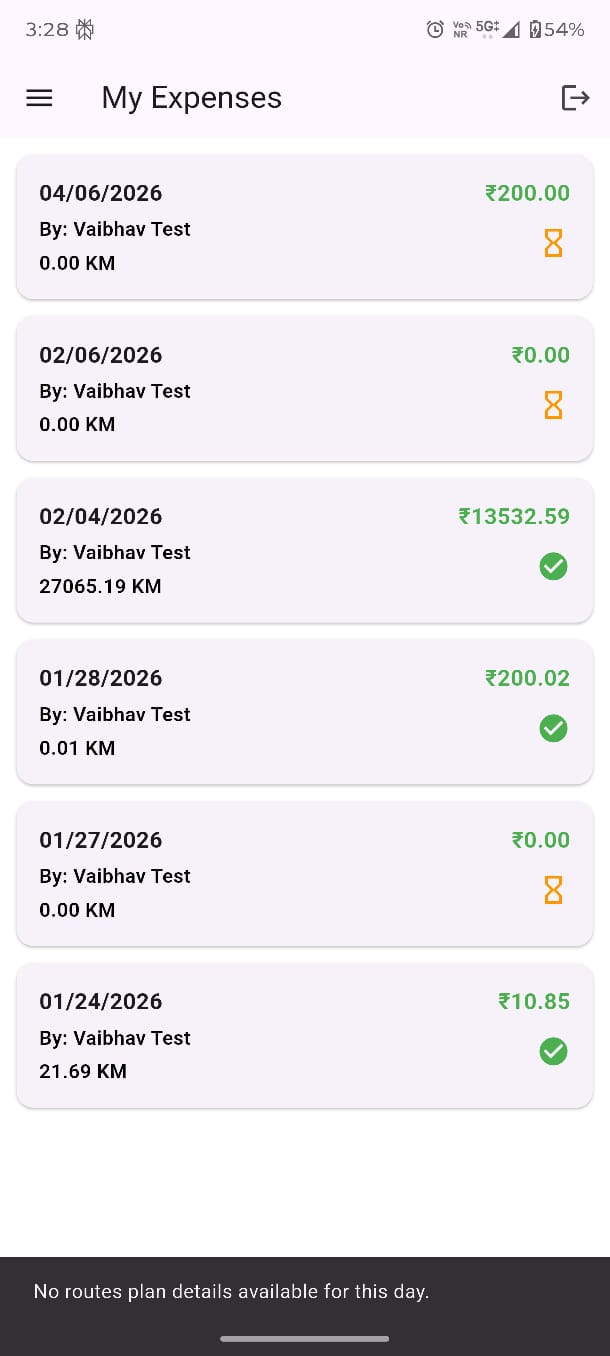
- Reviewing submitted travel expenses and distance records.
- Identifying pending and approved expense entries.
OUR APPROACH
Simplifying Field Sales Operations with a Mobile Tracking Application
We developed a mobile-first Sales Person Tracking application focused on the everyday activities of field sales representatives.
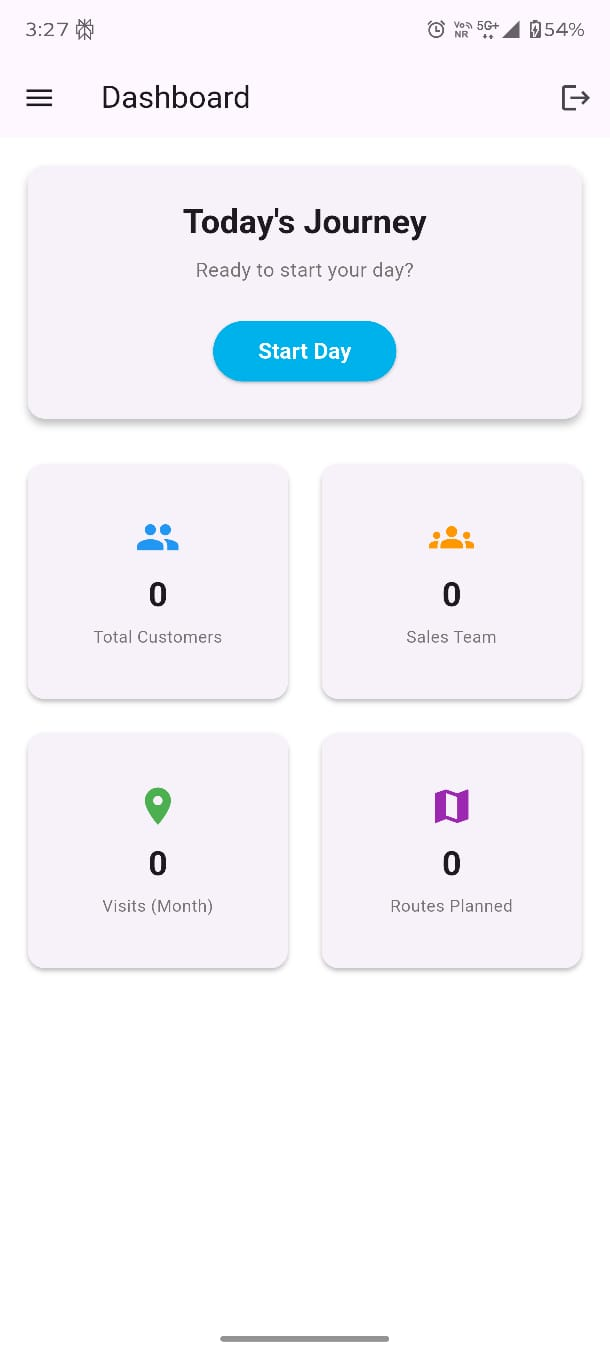
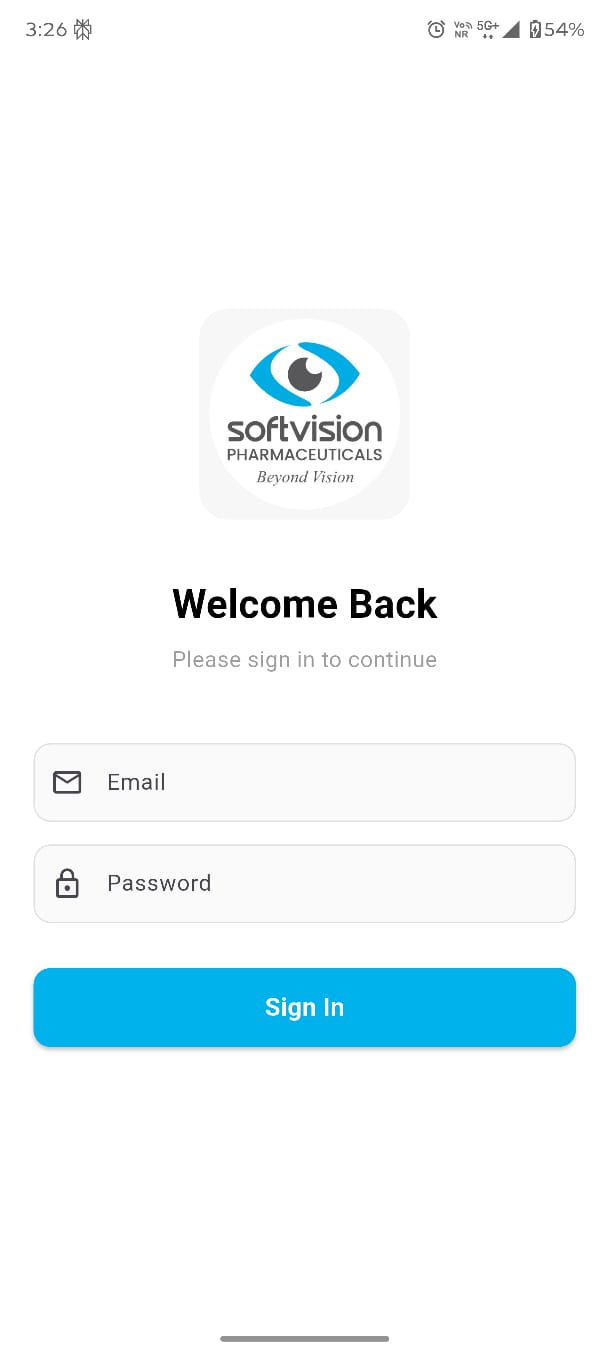
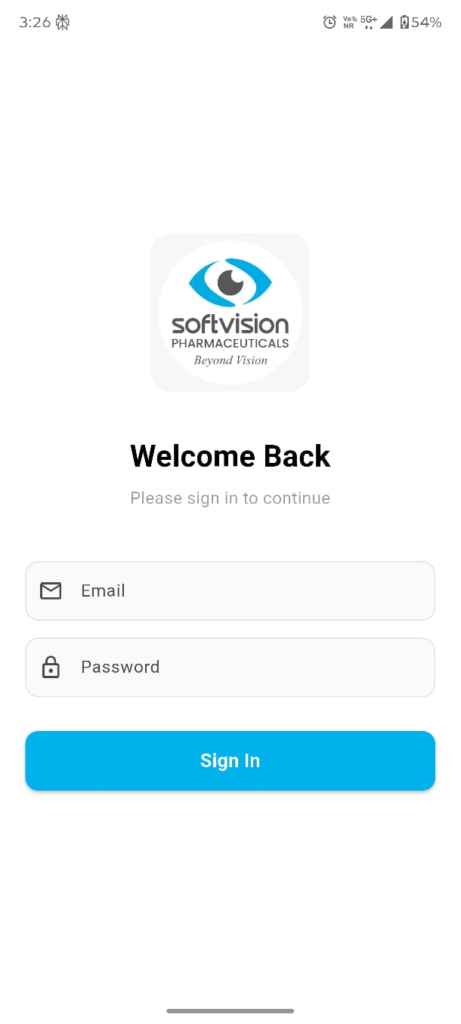
The application provides a simple sign-in experience and a daily dashboard with a Start Day action and activity summary tiles. Sales representatives can navigate a monthly route calendar, view selected-date route information, search and select customers, and save their daily visit plans.
Dedicated Mark Meeting and Mark Leave actions support schedule management, while the My Expenses screen provides visibility into expense dates, submitter names, distance travelled, amounts and approval status indicators.
The application brings these essential sales activities together in a focused mobile experience.
KEY DELIVERABLES
Project Outcomes & Deliverables
- Mobile Sales Person Tracking Application
- Email & Password Sign-In Screen
- Daily Sales Activity Dashboard
- Today's Journey Module
- Start Day Functionality
- Total Customers Summary
- Sales Team Summary
- Monthly Visits Summary
- Routes Planned Summary
- Route Planning Calendar
- Selected-Date Route Information
- Customer Search Functionality
- Customer Selection Interface
- Daily Visit Plan Management
- Save Plan Functionality
- Mark Meeting Action
- Mark Leave Action
- View Details Functionality
- Edit Plan Functionality
- My Expenses Module
- Travel Distance Display
- Expense Amount Display
- Pending & Approved Status Indicators
DELIVERY PROCESS
Project Execution Process
Workflow Definition: Identified the daily activities of sales representatives, including day-start actions, customer visit planning, route management and expense review.
Mobile UI/UX Design: Designed the mobile sign-in screen, daily dashboard, route calendar, customer selection interface and expense list.
Daily Dashboard Development: Created the Today's Journey section with a Start Day action and summary tiles for Total Customers, Sales Team, Visits (Month) and Routes Planned.
Route Planning Development: Implemented monthly calendar navigation with selected-date route information and actions for viewing details and editing plans.
Customer Plan Management: Developed customer search and selection functionality with associated location details and a Save Plan action.
Meeting & Leave Management: Added dedicated Mark Meeting and Mark Leave actions to support sales representatives in managing their schedules.
Expense Management Interface: Developed expense cards displaying expense dates, submitted-by names, travel distance, amounts and pending or approved indicators.
Testing & Validation: Validated date selection, customer selection, plan-saving interactions and expense status presentation against the actual application.
Release Verification: Verified the supported mobile devices, application build and production behaviour before release.
GLIMPSE OF WORK
Project in Pictures